
Token-Smart Agents: Self-Editing Memory, History Compaction, and Open-Source Integration Part 1

TL,DR;
What you’ll learn
Core concepts behind self-editing memory in LLM agents: what to store, when to update, and how to retrieve.
A hands-on, step-by-step mini example that wires a simple memory module into an agent so you can see the principles and workflow in action.
A more advanced production ready implementation with robust memory management: short-term vs. long-term stores, a HistoryCompactor to reduce context/token usage, and integration with an open-source framework.
Core concepts behind self-editing memory in LLM agents
Large Language Models (LLMs) are revolutionizing how we interact with technology, but they have a well-known weakness: a limited context window. Once a conversation exceeds the model’s memory, it forgets what was said before.
While techniques like RAG (Retrieval-Augmented Generation) have partially solved this by retrieving information from external knowledge bases, they are inherently passive. The model can only “read” information; it can’t actively and selectively “write” or “update” its own memory.
Imagine an agent that could truly remember your preferences, learn from its mistakes, and dynamically adapt its knowledge base over time. This is the idea behind “self-editing memory,” a concept first introduced in the MemGPT paper. The core idea is simple yet powerful: instead of using hard-coding complex memory management rules, we offload the task to the LLM itself.
In this tutorial, we’ll implement this concept from scratch. You will learn how to use OpenAI’s Function Calling feature to build a simple LLM agent with a fully editable memory.
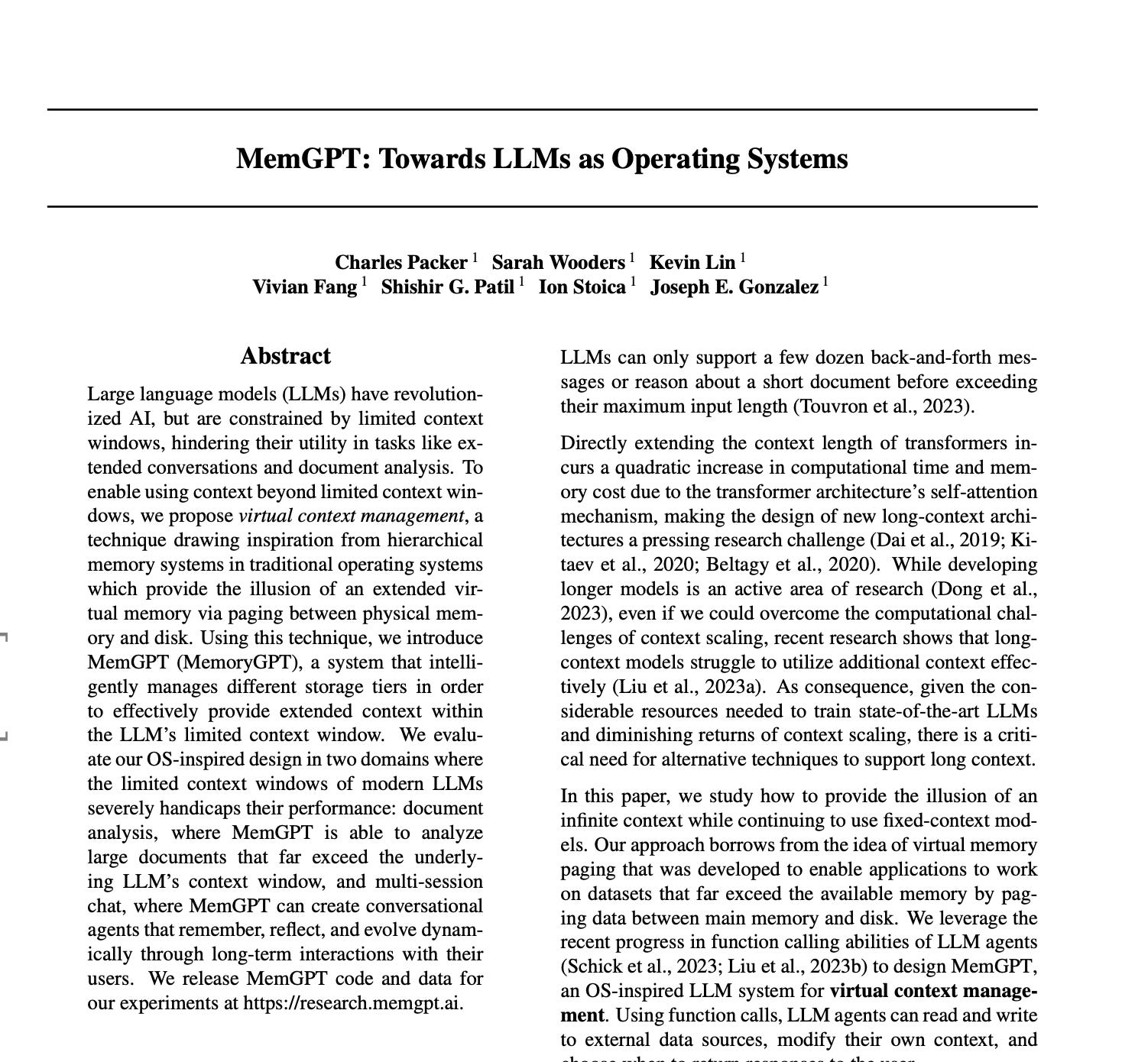
The Core Idea: Let the LLM Manage Its Own Memory
The key to self-editing memory is abstracting memory operations (like adding, editing, or deleting) into “tools” that the agent can use. When the agent processes a user’s input, it doesn’t just think about how to respond; it also considers whether and how it should use these tools to update its internal memory.
We will achieve this in three steps:
Define the System Persona: We’ll craft a system prompt that tells the LLM its identity, its capabilities, and—most importantly—that it has a set of memory tools it can operate.
Create the Memory Tools: We’ll define Python functions like memory_add and memory_edit and format them into the JSON schema required by the OpenAI API.
Build the Reasoning Loop: We’ll write a loop that allows the LLM to receive user input, decide whether to respond directly or call a tool, execute the tool call, and then think again with the updated information before giving a final response.
A step-by-step mini example
If you like this one please give us a Star 🌟 AdalFlow
Step 1: Setup and Agent Persona
First, ensure you have the OpenAI Python library installed.
pip install openaiNext, let’s import the necessary libraries and set up our OpenAI client. Make sure you have your API key configured as an environment variable.
import os
import json
from openai import OpenAI

# It’s best practice to load your API key from environment variables
# os.environ[”OPENAI_API_KEY”] = “”
client = OpenAI()
Now, let’s define the agent’s core: its “memory” and its “persona.” For simplicity, our memory system will be a Python dictionary. In the persona (the system prompt), we will explicitly tell the model about its memory structure and how to use the tools we’re about to create.
# 1. A simple dictionary to act as our agent’s memory.
# In a real-world application, this could be a database or a JSON file.
memory = {
    “name”: None,
}

# 2. The agent’s “persona” is defined via the system prompt.
# This is the most critical part, where we empower the LLM to use its tools.
SYSTEM_PERSONA = “”“
You are MemGPT, an AI assistant with an editable memory.
Your memory is a JSON object, and its current state is:
{memory}

You have access to the following tools to interact with your memory:
- `memory_add(key, value)`: Adds a new key-value pair to your memory.
- `memory_edit(key, new_value)`: Edits the value of an existing key in your memory.

When you receive a message from the user, follow this thought process:
1. Analyze the user’s input.
2. Determine if you need to update your memory to better respond or to remember a key piece of information.
3. If you need to update memory, call the `memory_add` or `memory_edit` tool.
4. After the memory is updated (or if no update was needed), generate your final response to the user.
“”“
This SYSTEM_PERSONA is the “soul” of our system. Notice the {memory} placeholder, which allows us to dynamically inject the most current state of the memory into the prompt for every interaction.
Step 2: Defining the Memory Tools
Now, let’s create the tools the LLM can call. This involves two parts: the actual Python functions that perform the work, and the JSON schema that describes their functionality and parameters to the model.
# 1. Implement the Python functions that perform the actions.
def memory_add(key: str, value: str):
    “”“Adds a new key-value pair to the agent’s memory.”“”
    if key in memory:
        return f”Error: Key ‘{key}’ already exists.”
    memory[key] = value
    return f”Success: Set ‘{key}’ to ‘{value}’.”

def memory_edit(key: str, new_value: str):
    “”“Edits the value of an existing key in the agent’s memory.”“”
    if key not in memory:
        return f”Error: Key ‘{key}’ not found.”
    memory[key] = new_value
    return f”Success: Updated ‘{key}’ to ‘{new_value}’.”

# 2. Map the function names to the actual Python functions for easy calling.
available_tools = {
    “memory_add”: memory_add,
    “memory_edit”: memory_edit,
}

# 3. Define the tool schemas for the OpenAI API.
tools_schema = [
    {
        “type”: “function”,
        “function”: {
            “name”: “memory_add”,
            “description”: “Adds a new key-value pair to the agent’s memory.”,
            “parameters”: {
                “type”: “object”,
                “properties”: {
                    “key”: {”type”: “string”, “description”: “The key to add.”},
                    “value”: {”type”: “string”, “description”: “The value to add.”},
                },
                “required”: [”key”, “value”],
            },
        },
    },
    {
        “type”: “function”,
        “function”: {
            “name”: “memory_edit”,
            “description”: “Edits the value of an existing key in the agent’s memory.”,
            “parameters”: {
                “type”: “object”,
                “properties”: {
                    “key”: {”type”: “string”, “description”: “The key to edit.”},
                    “new_value”: {”type”: “string”, “description”: “The new value.”},
                },
                “required”: [”key”, “new_value”],
            },
        },
    },
]
This tools_schema tells the OpenAI model what “superpowers” it has and how to use them.
Step 3: The Complete Agent Reasoning Loop
Let’s bring everything together into a single function that processes user input, calls tools, and generates a final response. This agent_step function will orchestrate the entire interaction.
def agent_step(user_input: str):
    “”“
    Executes a full step of the agent’s reasoning process.
    1. Receives user input.
    2. Calls the LLM to decide if a tool should be used.
    3. Executes the tool call if needed.
    4. Sends the tool’s result back to the LLM to generate a final response.
    “”“
    print(f”👤 User: {user_input}”)

    # Inject the current state of memory into the system persona
    current_persona = SYSTEM_PERSONA.format(memory=json.dumps(memory, indent=2))

    messages = [
        {”role”: “system”, “content”: current_persona},
        {”role”: “user”, “content”: user_input},
    ]

    # === First Pass: The LLM decides whether to call a tool ===
    response = client.chat.completions.create(
        model=”gpt-4”,
        messages=messages,
        tools=tools_schema,
        tool_choice=”auto”, # The model decides whether to call a function
    )
    response_message = response.choices[0].message

    # Check if the model wants to call a tool
    tool_calls = response_message.tool_calls
    if not tool_calls:
        # If no tool call, the response is final
        print(f”🤖 Agent: {response_message.content}”)
        return

    # === Execution Pass: The agent executes the tool call ===
    print(”🧠 Agent decided to call a tool...”)
    messages.append(response_message)  # Add the assistant’s decision to the conversation history

    for tool_call in tool_calls:
        function_name = tool_call.function.name
        function_to_call = available_tools[function_name]
        function_args = json.loads(tool_call.function.arguments)

        print(f”   - Calling `{function_name}` with args: {function_args}”)

        function_response = function_to_call(**function_args)

        print(f”   - Tool Output: {function_response}”)

        # Add the tool’s output to the conversation history
        messages.append(
            {
                “tool_call_id”: tool_call.id,
                “role”: “tool”,
                “name”: function_name,
                “content”: function_response,
            }
        )

    print(”📝 Memory has been updated:”, memory)

    # === Second Pass: The LLM generates a final response based on the tool’s output ===
    print(”🤔 Agent is generating a final response...”)
    final_response = client.chat.completions.create(
        model=”gpt-4”,
        messages=messages,
    )

    final_message = final_response.choices[0].message.content
    print(f”🤖 Agent: {final_message}”)
This function perfectly simulates the agent’s “thought” process. It first assesses the situation, then decides whether to act (call a tool), and finally responds based on the outcome of its action.
Step 4: Let’s See It in Action
It’s time to test our agent!
Scenario 1: First Meeting, Remembering a Name
agent_step(”Hi, my name is Chet.”)

You’ll see an output similar to this:
👤 User: Hi, my name is Chet.
🧠 Agent decided to call a tool...
   - Calling `memory_add` with args: {’key’: ‘name’, ‘value’: ‘Chet’}
   - Tool Output: Success: Set ‘name’ to ‘Chet’.
📝 Memory has been updated: {’name’: ‘Chet’}
🤔 Agent is generating a final response...
🤖 Agent: Hello Chet! It’s nice to meet you. I’ve saved your name to my memory.
Look at that! The agent didn’t just respond; it silently stored our name in its memory for future reference.
Scenario 2: Correcting the Memory
Now, let’s give it a different name and see if it uses the memory_edit tool correctly.
agent_step(”Actually, please call me Bob.”)

The output will be:
👤 User: Actually, please call me Bob.
🧠 Agent decided to call a tool...
   - Calling `memory_edit` with args: {’key’: ‘name’, ‘new_value’: ‘Bob’}
   - Tool Output: Success: Updated ‘name’ to ‘Bob’.
📝 Memory has been updated: {’name’: ‘Bob’}
🤔 Agent is generating a final response...
🤖 Agent: My apologies. I have updated your name to Bob in my memory.
It worked perfectly. The agent understood the intent was to “correct” rather than “add” and called the appropriate tool.
This article shows a gentle introduction, using simple examples to explain the core idea behind self-editing memory, how agents can abstract memory operations into tools and dynamically update their internal state.
In the next article, we’ll build on this foundation and take things a step further.
We’ll move from mini examples to advanced production code, exploring how to design persistent memory and implement a fully memory-aware agent using AdalFlow.
In the next tutorial you’ll build a production‑ish AI agent:
Uses AdalFlow for multi‑step tool use
Maintains persistent memory across multiple conversations/sessions
Automatically summarizes long histories to avoid prompt bloat
Exposes memory tools (remember/recall/jot/counter) your model can call
We’ll go from zero to a working CLI with file‑backed memory, and show you how to extend it.
In the coming articles, we will publish additional tutorials and updates on the latest advances in AI agents. If this was helpful, please subscribe to stay informed about future releases.
For more open-source code, follow the Github and give a ⭐️
We’d love your feedback!
Quick Links
[1] SylphAI Inc., “AdalFlow (GitHub Repository),” GitHub. [Online]. Available: https://github.com/SylphAI-Inc/AdalFlow. Accessed: Sep. 23, 2025.
[2] SylphAI Inc., “AdalFlow Tutorials,” SylphAI Documentation. [Online]. Available: https://adalflow.sylph.ai/index.html. Accessed: Sep. 23, 2025.
[3] SylphAI Inc., “AdalFlow Developer Notes,” SylphAI Documentation. [Online]. Available: [insert developer notes URL]. Accessed: Sep. 23, 2025.
[4] J. Xiang, J. Zhang, Z. Yu et al., “Self-Supervised Prompt Optimization,” 2025.
[5] L. Yin and Z. Wang, “LLM-AutoDiff: Auto-Differentiate Any LLM Workflow,” 2025.
[6] C. Packer, V. Fang, S. G. Patil, K. Lin, S. Wooders, and J. E. Gonzalez, “MemGPT: Towards LLMs as Operating Systems,” 2025.
Hey, great read as always. This self-editing memory concept is absolutely mind-blowing, especially thinking about how agents could go beyond passive retrieval to truly learn and adapt over time. What if these systems got so good that they could proactivelly identify gaps in their own 'understanding' and then actively go out and 'research' to fill those in, creating almost truly self-improving intelligences?